
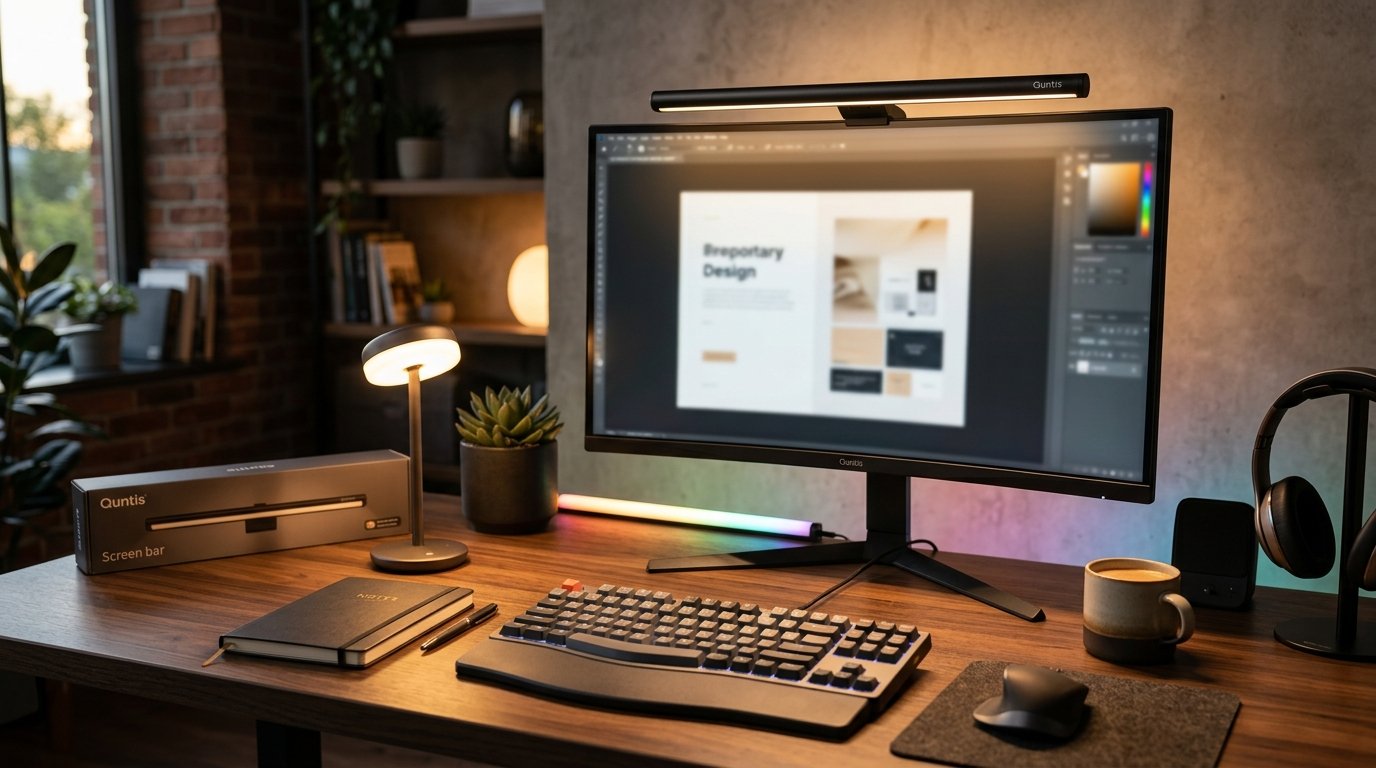
Gaming Lights: RGB Strips, Bars & Wall Panels
Showing all 9 results
-

Glide wall lights, rgbic led lights, smart gaming lights rgb light bar, led wall lights for bedroom
Price range: £117.90 through £137.90 🛒 This product has multiple variants. The options may be chosen on the product page -

Hexagon light panels,music sync rgb hexagon led lights gaming lights with app & remote control for home decor gaming
Price range: £63.90 through £90.90 🛒 This product has multiple variants. The options may be chosen on the product page -

Led neon rope lights,flexible led rope lights,ip65 outdoor rgb neon lights waterproof,music sync gaming led neon strip lights for bedroom indoor led light
Price range: £66.90 through £128.90 🛒 This product has multiple variants. The options may be chosen on the product page -

Music sync rgbic led strip lights – color changing led lights for bedroom & indoor decor
Price range: £31.90 through £49.90 🛒 This product has multiple variants. The options may be chosen on the product page -

Rgb led wall sconce with remote and app control, rgb glide wall light bar for gaming tv bedroom streaming
-

Rgb strip light remote,wall mount strip light in room for home living kitchen room and party
-

Rgbic bluetooth neon rope light with music sync, diy flexible led strip for gaming room and bedroom decor — 2m/3m/5m
Price range: £32.90 through £51.90 🛒 This product has multiple variants. The options may be chosen on the product page -

Rgbic neon led rope lights with remote, app & voice control – flexible, ip65 waterproof for indoor & outdoor decor
Price range: £59.90 through £78.90 🛒 This product has multiple variants. The options may be chosen on the product page -

Triangle wall led panels lights,triangle lights,led light panels,smart rgbic gaming lights for gaming setup, music sync for gaming room
Price range: £59.90 through £120.90 🛒 This product has multiple variants. The options may be chosen on the product page
Gaming Lights: RGB Setups That Actually Change How You Play
A gaming light strip pulling 2A off a single USB header will flicker within a week — that’s the threshold where cheap controllers start dropping signal under load. Gaming lights aren’t a cosmetic add-on; they’re a lighting system with real power, color, and mounting constraints, and this collection is built around products that handle those constraints correctly: LED strips, monitor light bars, and backlight panels selected for stable adhesive, accurate color output, and software that doesn’t fight with three other apps on your desktop.
The category splits into three functional groups, not just price tiers. Strips handle wrap-around ambient fill. Bars solve the specific problem of monitor bias lighting. Panels cover larger surfaces — a wall behind a couch, the back of a TV — where you want a wash of color rather than a defined edge. Picking the wrong type for your desk layout is the most common reason people end up disappointed with an otherwise decent product.
Bias Lighting and Eye Strain During Long Sessions
Bias lighting — a strip mounted directly behind the monitor, facing the wall — reduces the contrast ratio between a bright screen and a dark room. That contrast gap is what causes pupils to keep re-adjusting during a session, which is the actual mechanism behind “gaming eye strain,” not blue light exposure on its own. A 6500K-equivalent white or a neutral RGB tone at low brightness (10-20%) is the setting that works; anything warmer than about 4000K introduces a yellow cast that skews how you perceive in-game color grading, especially in competitive shooters where enemy highlight colors matter.
- Bias strip behind a 27-32″ monitor: 1-2m length, mounted 2-3cm from the panel edge
- Under-desk ambient strips: measure twice — most desks need 1.5-3m depending on leg placement
- Streaming backdrop panels: sized to camera frame, not full wall, to avoid wasted coverage
RGB LED Strips for Desks and Shelving
Strips are the most flexible option because they’re cut-to-length and app-controlled, but the two things that separate a strip that lasts from one that peels off in six months are adhesive quality and connector type. 3M-style VHB backing holds on painted MDF desks; the thin adhesive tape bundled with budget kits doesn’t, particularly in a room that runs warm from a gaming PC’s exhaust. Look for strips rated for true 16.7 million color RGB rather than a fixed palette of 8-12 presets — the difference shows up immediately when trying to match a strip’s color to a game’s lighting profile.
Light Bars for Monitor Glare Reduction
A monitor light bar sits above or below the screen and is aimed at the wall, not the eyes — that distinction is what keeps it from washing out the display. Bars designed for this job ship with an asymmetric lens that throws light upward and outward rather than back at the user, which is worth checking before buying, since a symmetric diffuser will bounce glare straight into your peripheral vision during dark scenes.
Ambient Panels and Backlights for Larger Surfaces
Panels are the right call when the goal is filling a wall or TV backdrop rather than tracing an edge. They draw more current than a strip of comparable length, so a panel setup over about 2 meters generally needs its own power injection point rather than daisy-chaining off a single strip controller — daisy-chaining past the rated draw is the direct cause of the voltage-drop dimming you sometimes see at the far end of a run.
What to Check Before Buying
- Software compatibility — confirm the strip integrates with the RGB ecosystem you already run (Razer Chroma, Corsair iCUE, or similar); running two competing apps causes sync conflicts and random color resets
- Power draw — a 5m strip at full brightness can pull over 3A; check your USB port or wall adapter rating before installing
- Color accuracy — true RGB (16.7M colors) versus limited preset palettes, testable by checking whether the app offers a manual hex/RGB input
- Adhesive quality — 3M VHB-style backing over thin double-sided tape, especially for under-desk or ceiling mounts
- Sync features — music reactivity via built-in mic versus software-level game triggers; the two behave differently and one may suit your use case better
Mistakes That Show Up Within a Month
Overloading one USB port with two or three high-draw strips is the single most common cause of flickering support tickets — spread the load across separate power sources instead of daisy-chaining everything to one hub. Warm white bias lighting behind a monitor distorts perceived screen color, which matters if you’re color-grading footage or trying to spot subtle enemy tells in a dark map. Skipping cable management turns an otherwise clean RGB setup into visible clutter the moment the lights are off. And measuring “close enough” instead of the exact strip length needed leaves either a gap at the corner or several unused LEDs bunched at the end of a run.
Frequently Asked Questions
How do I choose between an LED strip and a light bar?
Strips suit wrap-around ambient lighting under desks or shelving; bars are purpose-built to sit above or below a monitor with an angled lens that reduces glare without spilling light onto the screen itself.
Can gaming lights sync automatically with what I’m playing?
Ecosystems like Razer Chroma or Corsair iCUE support per-game lighting profiles through partner integrations, shifting color based on health, ammo count, or notifications in supported titles.
Does bias lighting affect frame rates or performance?
No — it’s purely visual. Its measurable effect is on perceived contrast and pupil fatigue over multi-hour sessions, not on GPU or CPU load.
What actually separates cheap RGB strips from premium ones?
Color consistency under dimming, adhesive that survives heat from PC exhaust, and a controller that doesn’t introduce visible flicker at low brightness — budget strips often fail on all three within a few months.
Do these lights work with Alexa or Google Assistant?
Most strips and bars built around a major RGB ecosystem support voice control for on/off and scene switching, though granular color changes usually still require the companion app.